
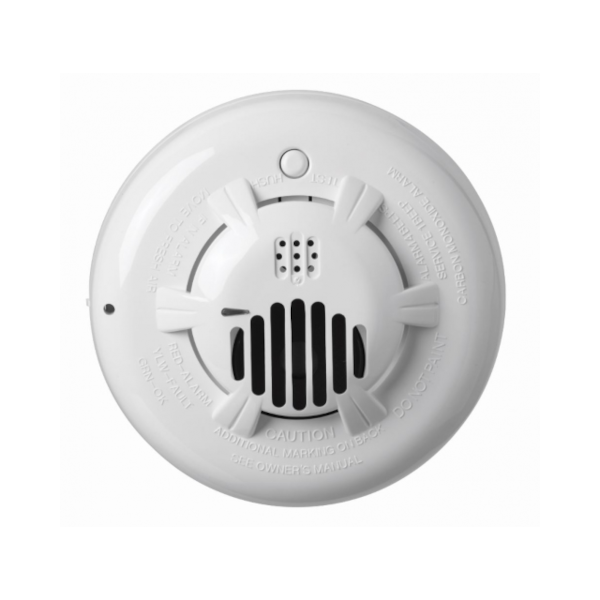
PowerG Carbon Monoxide Detector
Description Overview Life safety devices should not depend on WIFI Connects through cellular so it’s more reliable and doesn’t depend just on WIFI. Add WIFI in addition to cellular for maximum reliability with dual path communication. Detects Carbon Monoxide Precisely detects CO gas levels with sophisticated electrochemical sensing technology Whole home integration As a part of the larger smart security system, the PowerG carbon monoxide detector can do things like automatically trigger notifications to your family and inform professional monitoring operators to contact emergency services. Why should I use PowerG sensors? PowerG sensors work at longer distances and are more reliable, energy efficient, and secure than traditional security sensors. They even save you money in the long run. Learn more about PowerG Don’t worry, this device integrates seamlessly Surety is your connection to the award winning Alarm.com ecosystem, allowing you to use hundreds of best-in-class security and home automation devices from a single app that runs on almost anything. All that and the industry’s best customer service are why Surety is your home’s best friend. Specs & Guides Manufacturer DSC Part number PG9933 Dimensions 4.9″ x 1.9″ Battery One 3-volt CR123A Battery life 1 year minimum Wireless protocol PowerG Wireless signal range 2000-2500ft in open air Signals Alarm, alarm restore, tamper, tamper restore, low battery Transmitter frequency USA: 912-919 MHz Operating Temperature 4.4°C to 37.8°C (40°F to 100°F) Operating Environment Indoors Product Guides PG9933 Installation Manual PowerG Sensor Programming Guide Plan Compatibility Security Alarm & Automation Automate Alarm Home Cameras Only View Cam Cam Plus Alarm, Automation & Cameras Protect Complete Support How do I automatically turn off my HVAC fan when a fire is detected? Log into the Alarm.com website and go to Automation -> Rules. Enable the Fire Safety rule. Still have questions? We’ve got answers! The Surety support forum is the #1 resource for answers to all your questions about setting up and using your sensors. Find Answers
Related products
-
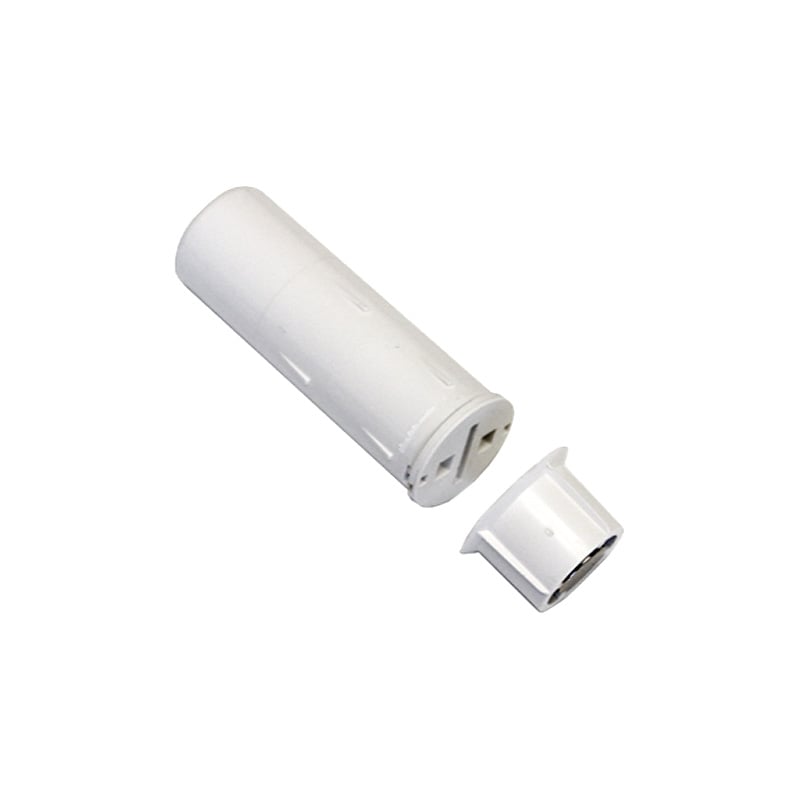 IQ Recessed Door Sensor$ 90.72
 -
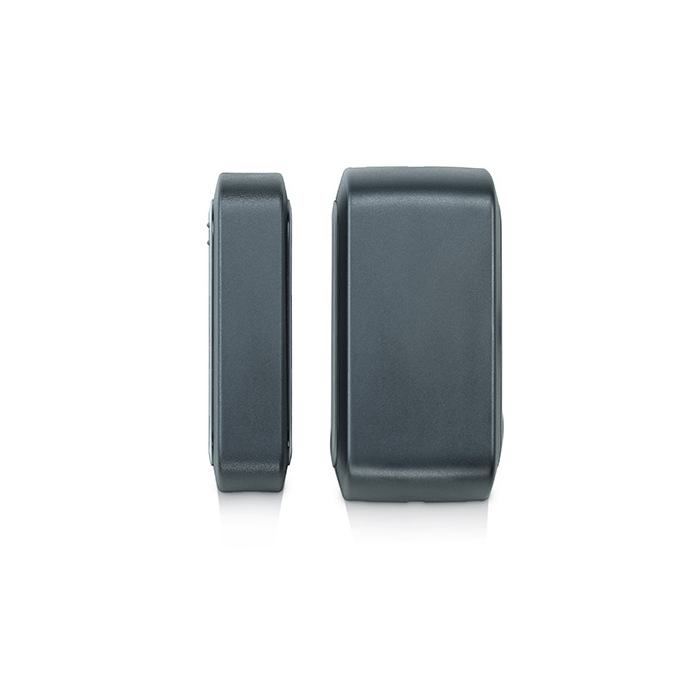 PowerG Wireless Outdoor Contact$ 72.90
 -
PowerG Carbon Monoxide Detector$ 90.72