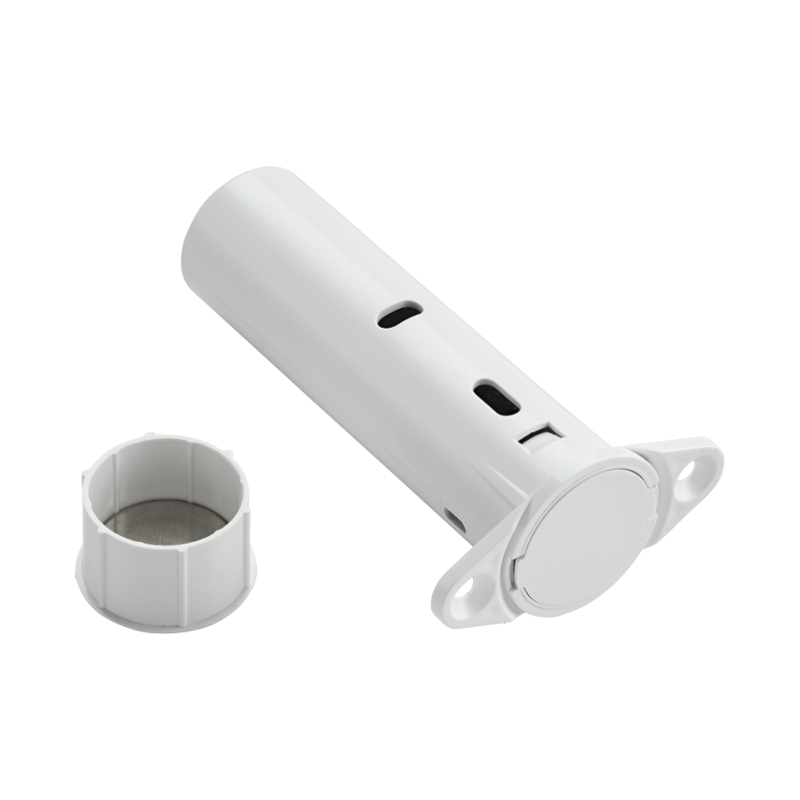
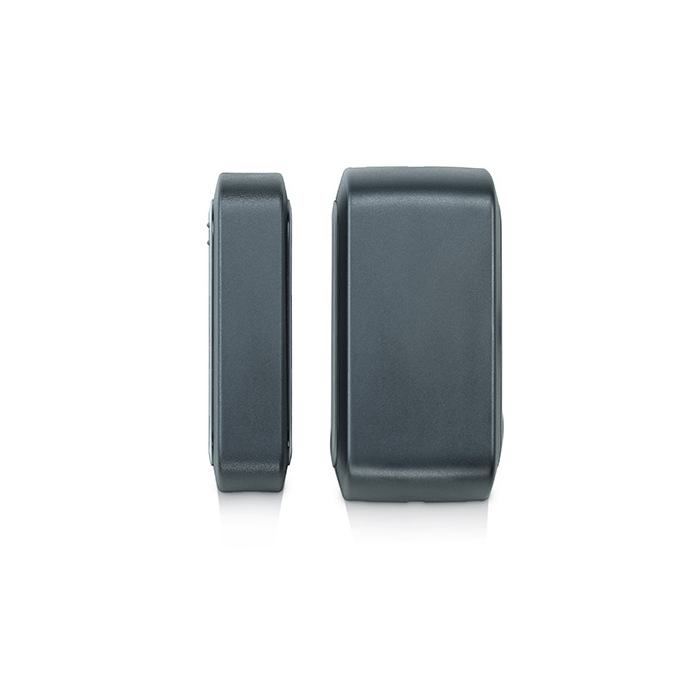
PowerG Wireless Outdoor Contact
Description Extreme weather rated Monitor gates, doors, windows in harsh uncontrolled environments. Handles what an indoor sensor cannot. Monitor anywhere With extreme range roughly 4 times that of other sensors on the IQ Panel 2 , PowerG wireless sensors cover distant areas with no need for signal repeaters. With a wide magnetic gap tolerance, the outdoor wireless contact reduces false alarms so you can truly trust your system. Trigger home automation Automatically turn on the lights when a door opens. Or record a video clip. Adjust the thermostat when a door or window was left open. Detect intrusions with Surety If you’re going to use a security alarm, choose a professional grade sensor with secure wireless communication so you can be confident it will do it’s job. Why should I use PowerG sensors? PowerG sensors work at longer distances and are more reliable, energy efficient, and secure than traditional security sensors. They even save you money in the long run. Learn more about PowerG Don’t worry, this device integrates seamlessly Surety is your connection to the award winning Alarm.com ecosystem, allowing you to use hundreds of best-in-class security and home automation devices from a single app that runs on almost anything. All that and the industry’s best customer service are why Surety is your home’s best friend. Specs & Guides Manufacturer DSC Part number PG9312 Dimensions 4.12 x 2 x 1.37 inches Wireless signal range 2000-2500ft in open air Signals Alarm, alarm restore, tamper, tamper restore, low battery Transmitter frequency USA: 912-919 MHz Wireless protocol PowerG Battery life 5 years (with typical use) Operating Temperature -40°C to 66°C (-40°F to 151°F) Battery Two 1.5 V lithium batteries Product Guides PowerG Outdoor Contact Installation Guide PowerG Sensor Programming Guide Plan Compatibility Security Alarm & Automation Automate Alarm Home Cameras Only View Cam Cam Plus Alarm, Automation & Cameras Protect Complete Support Why isn’t my sensor reporting open and close? The magnet must be centered with the symbol on the side of the sensor housing. Still have questions? We’ve got answers! The Surety support forum is the #1 resource for answers to all your questions about setting up and using your sensors. Find Answers
Related products
-
PowerG Wireless Outdoor Contact$ 72.90
-
-